
Sharing reports with your customer
- For
- Facility managers
- Where
- Web app
- Time to read
- 3 minutes
Customers want proof the building is being looked after. KleanProof turns your inspections into a Value delivered report you can share as a link. The customer opens it in any browser without an account.
A shared link is a snapshot. It shows the report as it was when you made it and never changes after, so what you sent is what they see.
Step by step
1Set up the report
Click Analytics in the left-hand menu and pick Value delivered.
Set what it covers. For a customer, choose A customer and pick them from the menu, then choose the period, such as Last 12 months. Reports and analytics explains the other options.
2Choose what the customer sees
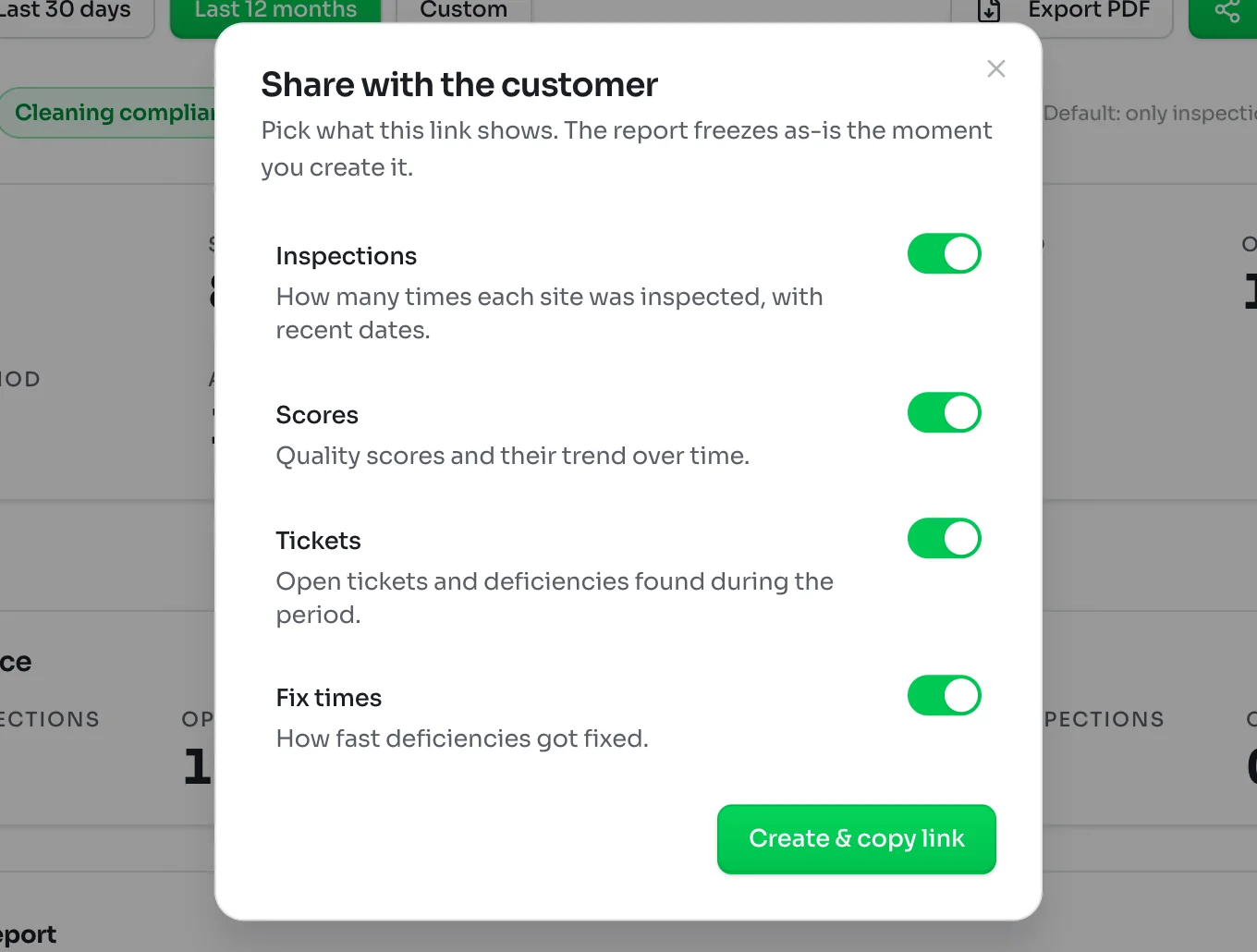
Click Share report. Switch off anything you would rather leave out:
- Inspections shows how many times each site was inspected, with recent dates.
- Scores shows quality scores and their trend over time.
- Tickets shows open tickets and deficiencies found during the period.
- Fix times shows how fast deficiencies got fixed.
Click Create & copy link. The link is copied, ready to paste into an email to your customer.
3What your customer sees
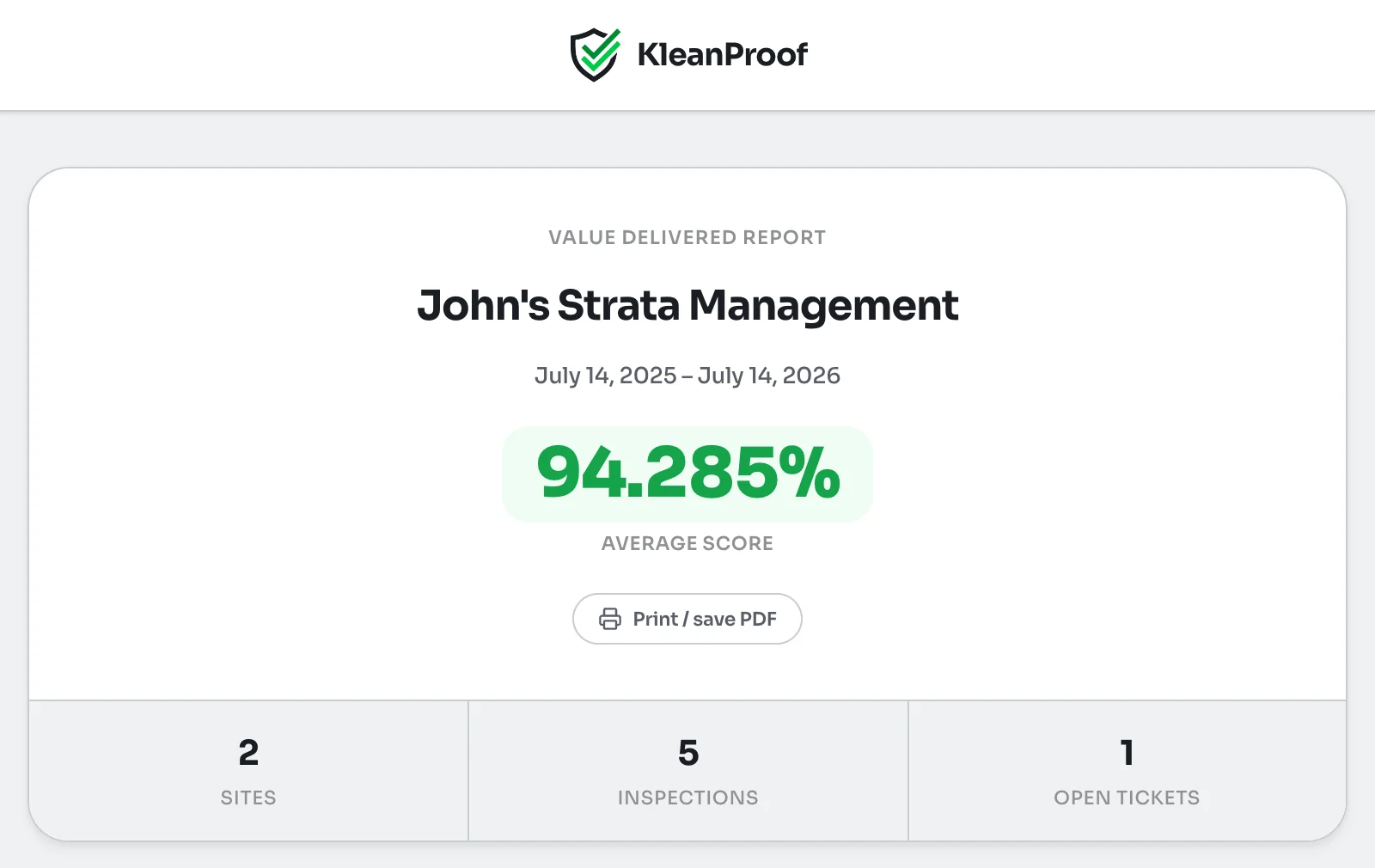
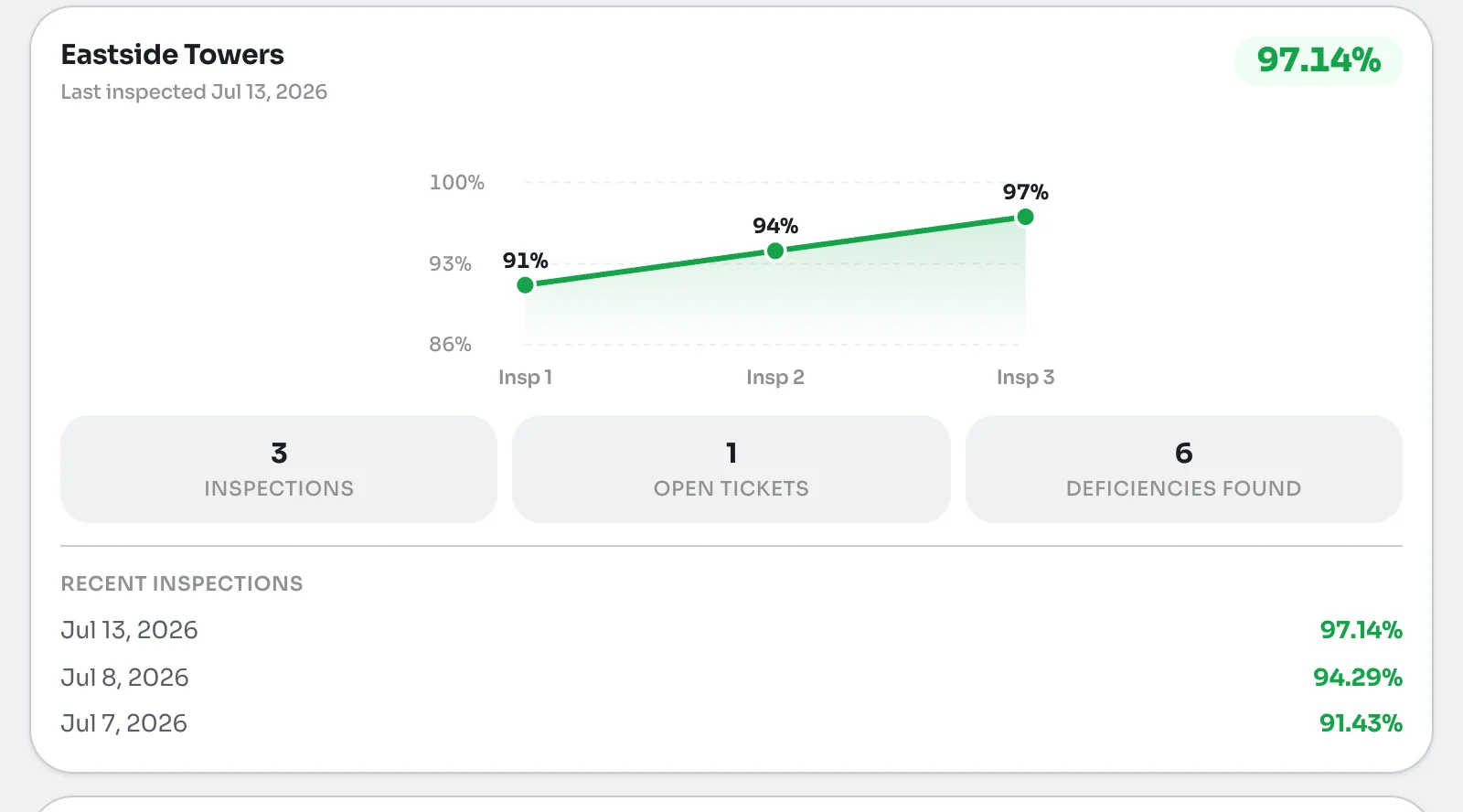
The link opens a clean page with the customer's name, the dates and the average score up top, then a card for each site with its score trend and recent inspections. A short guide explains what the numbers mean, and Print / save PDF lets them keep a copy.
Internal notes, your team's discussion and the other reports are never included.
Finding and turning off old links
Click Generated reports beside Share report to see every link you have made. For each one you can copy it again, open it or revoke it.
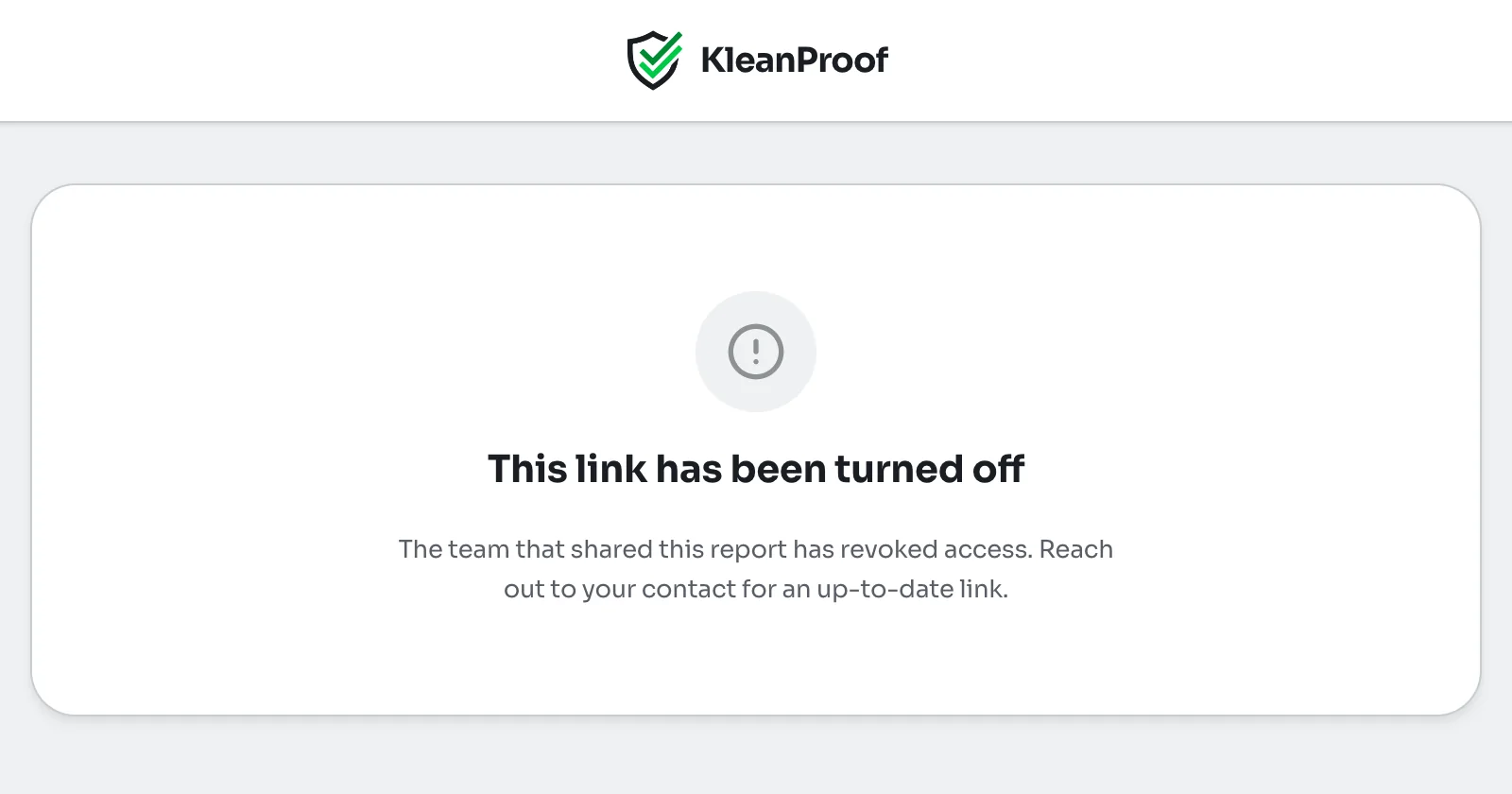
Revoking takes effect straight away. Anyone who opens the link sees that it has been turned off and is asked to contact you for an up-to-date one. Making a new link leaves older ones untouched, so revoke any you no longer want out there.
Putting your logo on the report
On the Operation plan, shared reports can carry your company's logo and name instead of KleanProof's, with a small Powered by KleanProof credit.
An admin turns it on in Settings under Report branding with Use my branding. Add a logo under Workspace on the same page first. Until then, your workspace name shows. The same branding appears on the report links your cleaners get.