Reading your deficiency report
- For
- Cleaners
- Where
- Phone, no app
- Time to read
- 3 minutes
When an inspector checks a building you clean and something is not up to standard, the company you work for can send you a deficiency report. It lists each thing that needs fixing, with the inspector's photo and notes, so you know exactly where to go and what to do.
You do not need an app, an account or a password. The report opens in the web browser on your phone, like any other link.
Step by step
1Open the text or email
A report arrives as a text that reads Deficiency report for and the building's name, followed by a link. By email, the subject starts with Deficiency Report and the email has a green button, View Deficiency List & Report Fixes. Tap the link or the button.
If a manager logs a single problem for you outside an inspection, the message says New task instead. It works the same way.
2Read the top of the report
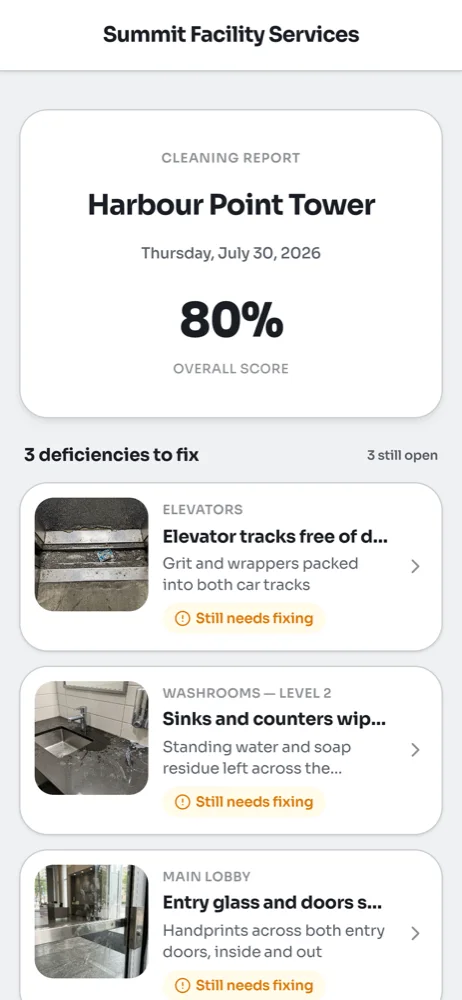
The top of the page shows the building, the date of the inspection and its overall score. The bar at the very top shows the company that sent it, or the KleanProof logo. If the inspector left you a message, it appears under the score as Note from the inspector.
Below that is the list of items to fix, with a count of how many are still open.
3Check what each item needs
Each item shows the area first, such as Elevators or Washrooms, then what was wrong and the inspector's photo. The tag at the bottom tells you where it stands:
- Still needs fixing means nobody has sent in a fix yet, or the supervisor sent it back to be done again.
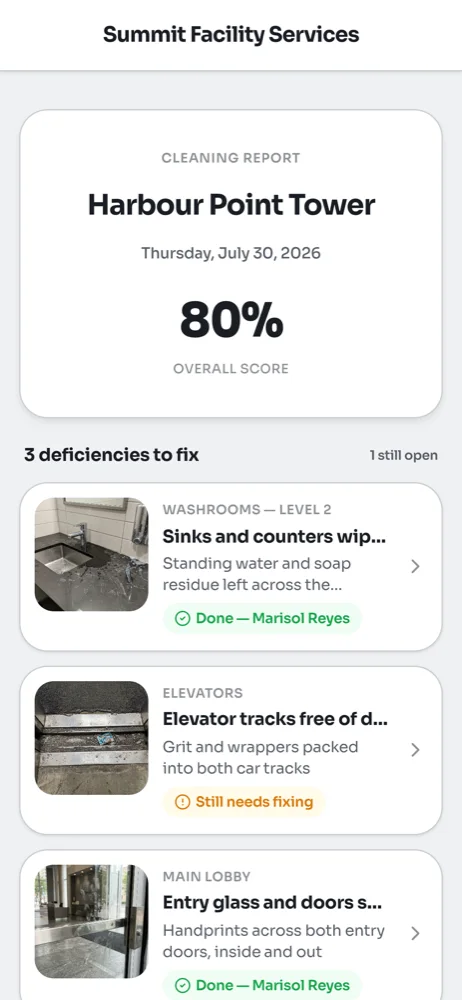
- Done with a name means that person already sent in a fix. It is waiting for the supervisor to check.
Tap any item to see the full details and all the photos. From there you can send in your fix, which is covered in Fixing a ticket from a link.
Keep the message
Your link stays the same for the whole report, so you can come back to it as many times as you need. Keep the text or email until every item is done. If your company sends the report to you again, you get the same link.
Common questions
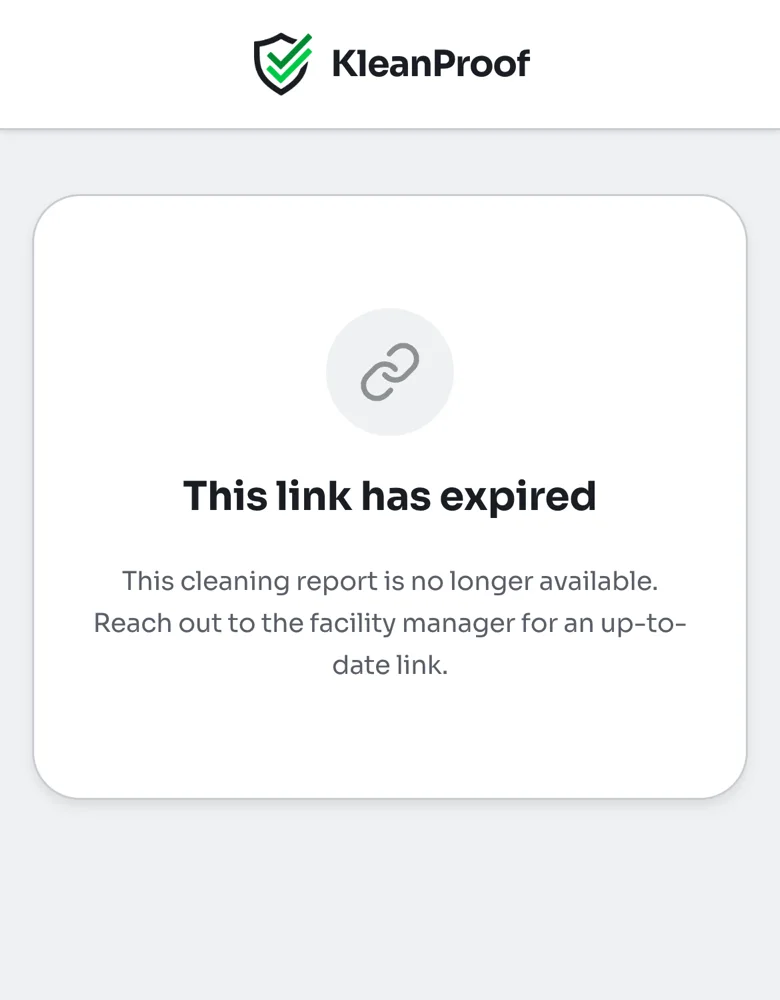
The page says this link has expired.